

Option 1:
CMD + SHIFT + .Option 2:
For the first method, you should write a bit into the Terminal.
1. Open Terminal application from Launchpad.
2. Copy and paste the following command into the Terminal window:
defaults write com.apple.finder AppleShowAllFiles -bool true3. Then you need to restart the Finder with a command:
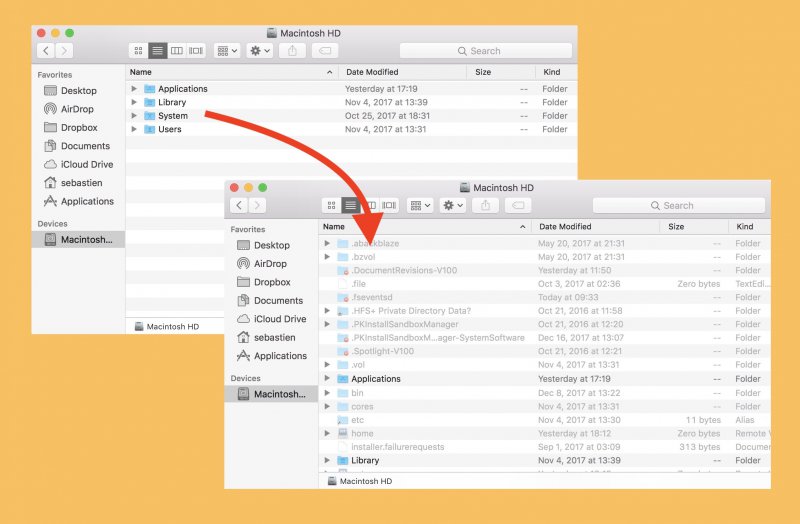
killall FinderYou will see hidden files and folders in the Finder.
If you want to hide them back, then repeat the operation but change in the command the last word to false.
defaults write com.apple.finder AppleShowAllFiles -bool false
killall Finder