

Export pdf file from images on mac
If you have Leopard (10.5 or later) or Lion the easiest way is to use Preview. Just do the following:
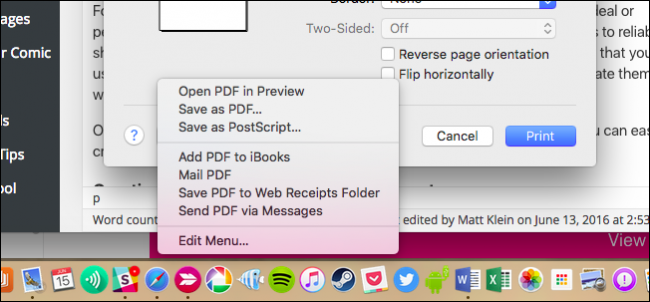
Open the first image in Preview Show the the sidebar (Shift-Command-D) Drag any additional images to the sidebar Go to File > Print (Command P) In the PDF dropdown list select Save as PDF That's it! You should now have a PDF containing all your images.
If that doesn't work for you, you should look at any third-party solutions such as Adobe Acrobat Pro which has a combine feature or PDFLab.